
Platform architecture
Scale the video. Keep control of the data.
Add recording capacity or archive space as your needs change. ARDVI separates system management, video processing and storage so each can grow independently.
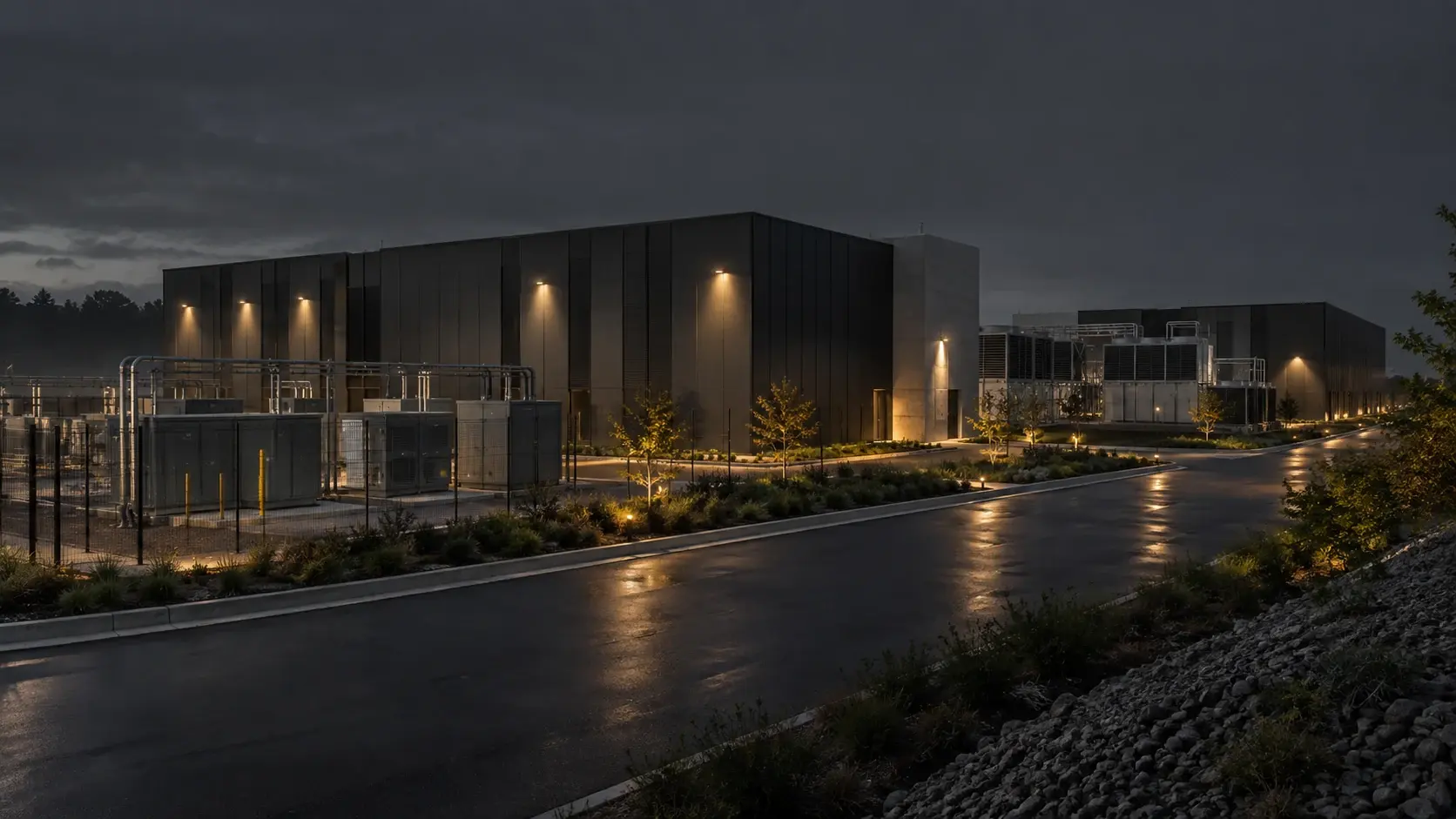
The main responsibilities
- Control
- Video processing
- Workload placement
- Storage
Deployment design
Add capacity where you need it.
A cloud-native microservice architecture separates the heavy work of video from administration. S3-compatible storage lets you expand the archive separately.
- Control
- Administration, permissions and configuration
- Video processing
- Recording, live delivery and archive playback
- Workload placement
- Workloads placed near a site or in central infrastructure
- Storage
- S3-compatible archive capacity managed separately from compute
From recording to investigation
Keep the recording connected to the incident.
ARDVI records the video today. The planned workspace will bring that recording together with the incident details your team needs to review.
- Video
- Record, view live video and play back archive against the relevant site
- Future context
- Relate sources and events to the relevant site and asset
- Future intelligence
- Planned AI to detect activity and make related events searchable
- Future orchestration
- Planned visual workflows to guide decisions and responses
- Future review
- Investigate activity across sites in the operator workspace
Workload placement
Choose where your video lives.
Your sites may have different networks and rules for storing video. Choose an arrangement that fits those conditions.
- Site edge
- On-premises
- Private infrastructure
- Public cloud
- Hybrid
Operational resilience
Plan for the conditions each site faces.
A remote site and a connected campus need different plans. Review network interruptions, recording needs and recovery before rollout.
- Local operation
- Keep relevant site workloads close to the physical environment
- Workload growth
- Plan compute, storage and future intelligence around demand
- Recovery planning
- Agree recovery expectations with the deployment and data controls
- Operational visibility
- Make device, connectivity and deployment state available for review
Technical review
Start with the capabilities you need to assess.
Review the VMS capabilities against your recording and retention requirements. We can also discuss access controls, integration and the deployment approach for your sites.
Architecture review
Plan the system around your sites.
Bring your camera count, archive needs and network constraints. We will work through the deployment choices with your team.